How to add agency teams


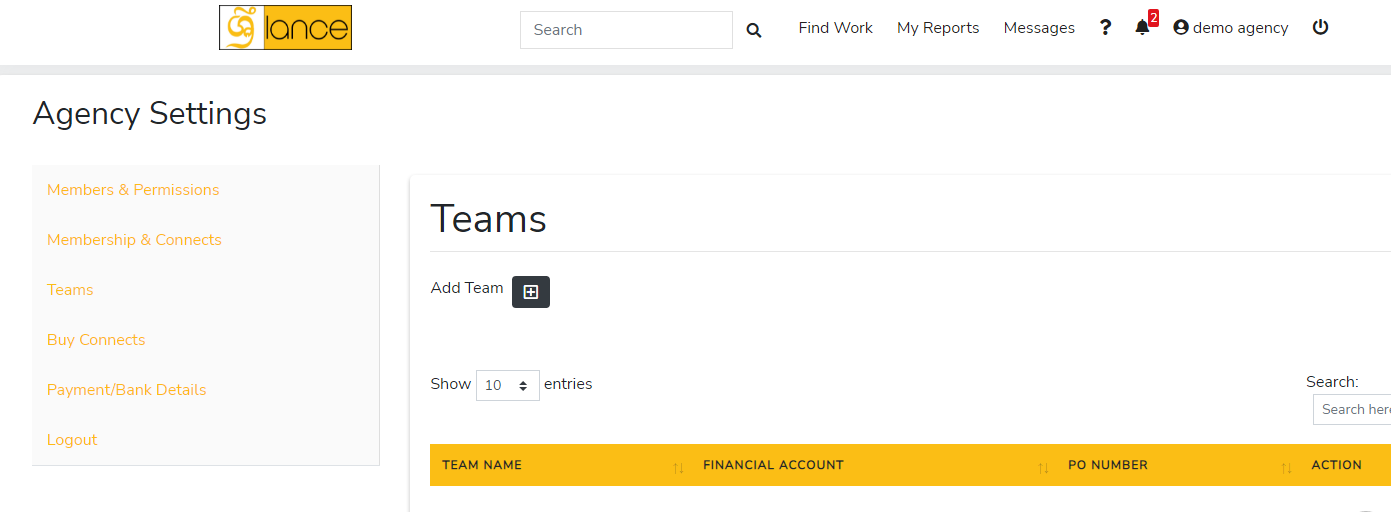
  1. Go to Settings 
  2. Members & Permissions 
  3. Click on the invite a user button
  4. Choose freelancer from the first drop-down menu
  5. Enter freelancer’s email address
  6. You can also message the user which is optional.
  7. Choose agency contract (exclusive, non-exclusive).

Category: Agency Support | Posted: Mar 28, 2022
Share Article

Relevant ARTICLES

How to setup agency profile

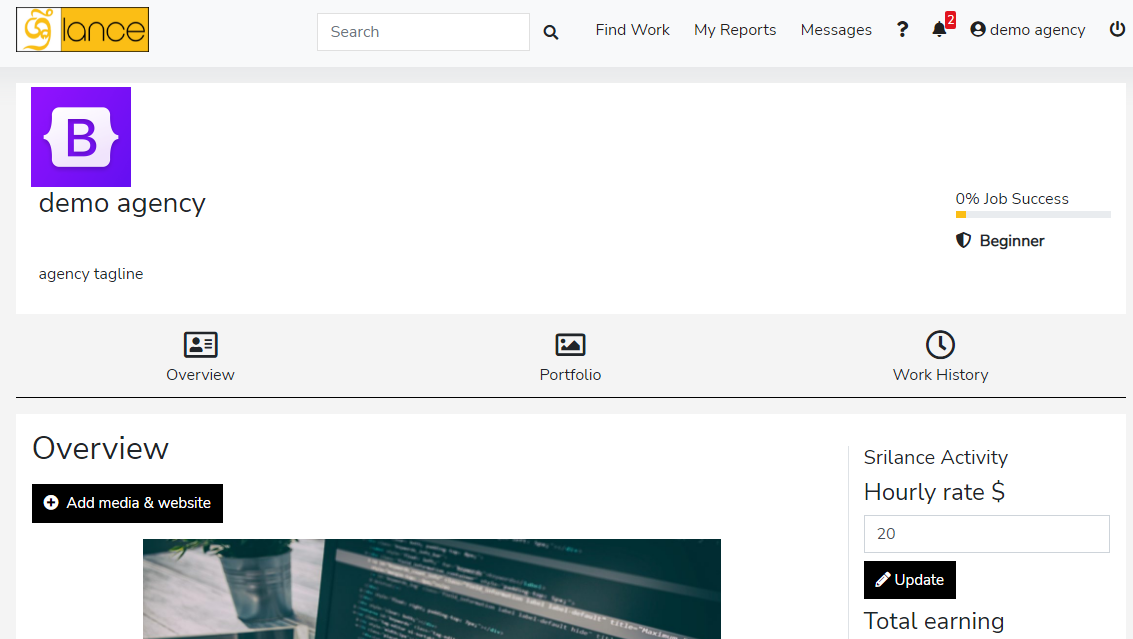
  1. Go to profile form drop-down menu after clicking on agency account
  2. Embed a website (your agency we...[Read More]

    Category: Agency Support | Posted: Mar 28, 2022
How to register agency

Both freelancer and agency accounts can be made on the same account, later on, you just have to switch to access to a...[Read More]

Category: Agency Support | Posted: Mar 28, 2022

How to add team members and invites

There are some conditions before you invite team members of freelancers for your agency.

  • You should...[Read More]

    Category: Agency Support | Posted: Mar 28, 2022

How to add agency teams

  1. Go to Settings 
  2. Members & Permissions 
  3. Click on the invite a...[Read More]

    Category: Agency Support | Posted: Mar 28, 2022

How to add agency portfolio

  1. Switch to the agency account.
  2. Choose portfolio section (the middle section).
  3. ...[Read More]

    Category: Agency Support | Posted: Mar 28, 2022

How to buy connects as a agency

Why buy connects:

Connects can be considered as tokens/points which are used to get a job....[Read More]

Category: Agency Support | Posted: Mar 28, 2022